Skip to content
Söğütlüçeşme · Kadıköy / Istanbul Free two-way shipping across Turkey
Closed now · opens tomorrow at 09:00Closed · opens tomorrow 09:00 +90 537 958 02 02 TREN
Blog2 min read

Why battery health shows under 100% after replacement

It is quite common for battery health after replacement not to show 100% immediately or to display a warning. This rarely means the new battery is faulty. It usually happens due to a lack of software calibration or manufacturer security protocols.

Cep Market Repair TeamIn Kadıköy since 2006
Key points
  • Battery health after replacement may not update right away.
  • On iPhone, even with a new battery, mismatched serial numbers can trigger an important battery message.
  • On Android devices, battery health readings vary by model and system software.
  • The battery management system usually calibrates after the first few charge cycles.
  • Back up your data before the repair starts.

01What the battery health percentage shows

The battery health percentage indicates the current capacity of the battery compared to when it was brand new. Your device operating system processes data received from the battery management circuit to display this figure.

This percentage decreases over time due to chemical wear. However, when a new battery is fitted, the system may need time and a few charge cycles to read this new capacity accurately.

02Why it may not show 100% after a replacement

There are several main reasons why battery health after replacement might not show 100%. The device software may still be holding the old battery data in its memory.

ReasonDescriptionSolution
Lack of calibrationThe software has not yet learned the new battery capacityPerform full charge cycles
Part pairingManufacturer chip verification protocolsOriginal chip transfer or service calibration
Software prerequisitesThe operating system caching previous battery dataRestart or update the device

03The “important battery message” on iPhone

When a battery is replaced on iPhone, the system attempts to verify the serial number. Even if an original battery is fitted, the device may show a warning unless the microchip from the old battery is transferred to the new one.

On iPhone, this appears on screen as an “important battery message”, and the battery health percentage may not be displayed. For detailed information, you can review our service processes on our iPhone repair page.

04How to use the new battery

  1. Complete the first charge. After plugging in your device, charge it uninterrupted until it reaches 100%.
  2. Do not drain it completely. Prevent the battery level from constantly dropping to 0%.
  3. Use an original charger. Quality charging equipment protects battery life.
  4. Take a backup. Back up your device regularly just in case. Back up your data before the repair.

For other brand devices, you can check our Samsung repair or general repair types sections.

Brand › Model › Repair listChoose your model, ask about the faultBattery Replacement Service

05How to get your device to us

Visit our store

Hasanpaşa Mh. Söğütlüçeşme Cd. No: 192 (opposite the mosque car park), Kadıköy. Monday – Friday 09:00 – 20:30 · Saturday 09:30 – 20:30 · Sunday: Please ask.

Send it by post

Free two-way shipping with our contracted carrier from anywhere in Turkey. Send the device without its case, in a well-protected box, with a note giving your phone number and the fault.

Motorbike courier

Within Istanbul you can send your device by motorbike courier; just send us your address and the fault on WhatsApp.
FAQ

Frequently asked questions

01

Why does battery health look low after a new battery?

The device's battery management system may still hold the old battery's capacity data in its cache. After a few charge cycles, the system calibrates the new battery and displays the correct reading.

02

Does the battery health reading improve over time?

Yes, as the device completes full charge and discharge cycles, the battery management circuit learns the new capacity, and the battery health information usually updates.

03

How should I charge a new battery in the first days?

It is recommended to charge your device uninterrupted to 100% on first use. After that, charging regularly between 20% and 80% without letting the battery drain completely helps preserve its lifespan.

04

Does getting a warning message after a battery replacement affect how the device works?

No, battery warnings caused by part pairing do not adversely affect the overall performance or daily use of the device; they only restrict the menu screen that displays health details.

Customer reviews

What our customers say

★★★★★

Today we had an original battery replacement on our iPhone 14 Pro done by Can, and we thank him very much for his kindness, his speed and his professional support. You can come with no question marks in your mind. I recommend it 👍

Özgür Can K.Customer review · Translated from Turkish
★★★★★

They replaced the battery of an iPhone 11 in 20 minutes and handed the device back.

Selçuk S.Customer review · Translated from Turkish
★★★★★

I had the screen and battery of my 14 Pro Max replaced and I am very pleased. Thanks for your work.

Oğuzhan O.Customer review · Translated from Turkish
★★★★★

I think you will be pleased with their approach, their helpfulness and their care.

Our customerCustomer review · Translated from Turkish
★★★★★

This is the place I have shopped at with endless trust and sincerity for 20 years, since the Cep Market days. I am so glad you are here; Teknoway is the only place for me.

Cavidan T.Customer review · Translated from Turkish
★★★★★

A very good business with friendly staff, and they answered every question I had in full. Thank you, Teknoway.

ParlakplaystationCustomer review · Translated from Turkish
★★★★★

A company I have known for a long time that helps in every way it can. I definitely recommend dropping by and at least listening to their ideas and advice.

Murat Y.Customer review · Translated from Turkish
★★★★★

We had a screen protector fitted, and they gave us gifts I think were worth more than the screen protector. Most of all, thank you for the friendly welcome.

Mehmed P.Customer review · Translated from Turkish

From our customers’ reviews. All reviews

Blog

More articles

All articles
Blog1 min read

Phone works but the screen is black: what to do

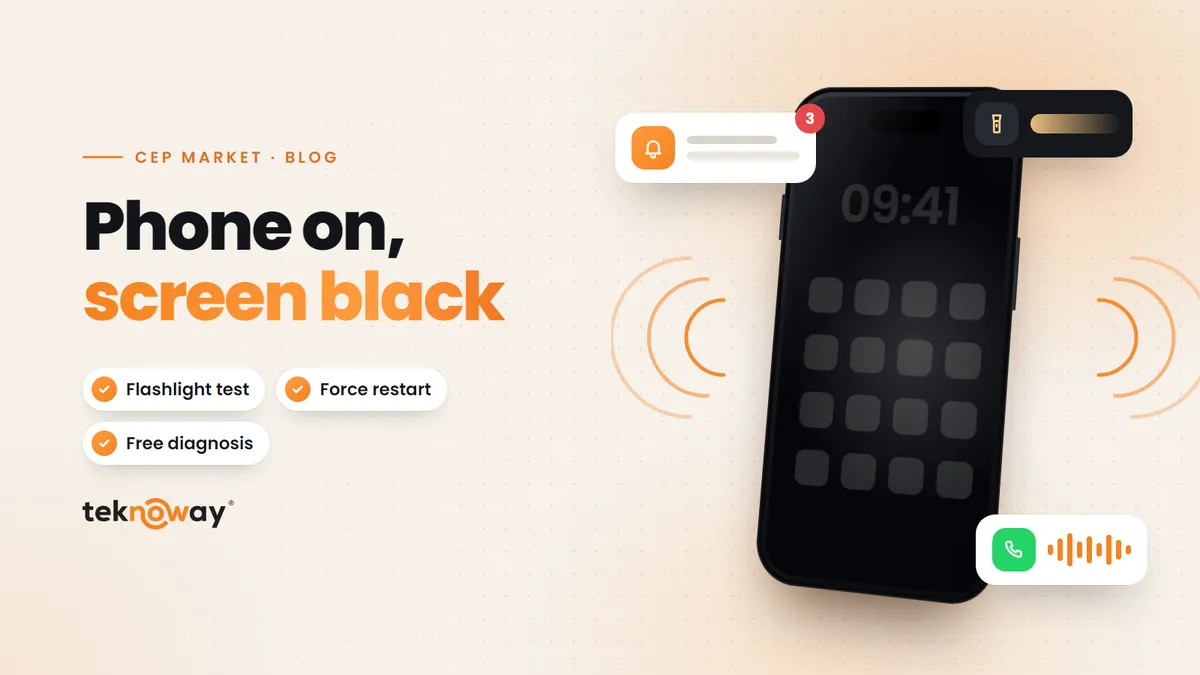
If your phone rings or vibrates but the screen is black, the phone is on; the problem is the screen or its connection. Force restart and charge it first. Shine a torch close to the screen in the dark: a faint picture means a backlight fault. If it started after a drop or liquid, the screen is usually replaced.

Read article
Blog1 min read

Lines on the phone screen: causes and fixes

Vertical, horizontal or coloured lines on the screen usually mean the display panel or its connection is damaged. A quick screenshot test tells you in seconds whether the problem is software or the panel.

Read article
Having issues with battery health after replacement?

Fault diagnosis is free of charge for battery replacements and calibration. Send us your model on WhatsApp.