
 iPhone
 iPad
iPad MacBook
 iMac and Mac
 Apple Watch
 Samsung
 Xiaomi
 Huawei
 OPPO
OPPO PlayStation
Power button does not press
You cannot lock the screen or switch the phone on and off with the button.
We repair power buttons that do not press, sink in or stay pressed on their own, as well as volume buttons. The free diagnosis shows whether the fault is in the button itself or in the cable underneath it.
Drag to rotate
Pick the brand and tap your model: the page that opens lists the button rows together, so you can ask for the power or volume button price separately.
 iPhone 18 Pro MaxGet a quote now
 iPhone 18 ProGet a quote now
 iPhone 17eGet a quote now
 iPhone 17 Pro MaxGet a quote now
 iPhone 17 ProGet a quote now
 iPhone AirGet a quote now
 iPhone 17Get a quote now
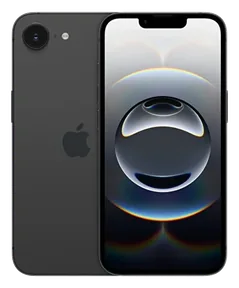 iPhone 16eGet a quote now
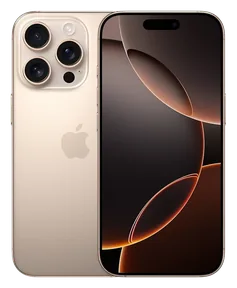 iPhone 16 Pro MaxGet a quote now
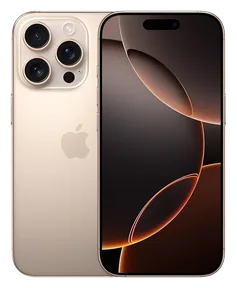 iPhone 16 ProGet a quote now
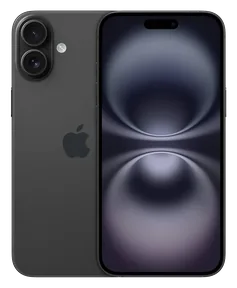 iPhone 16 PlusGet a quote now
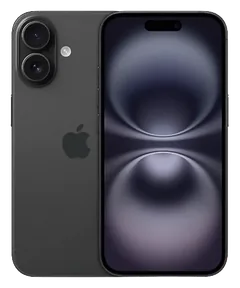 iPhone 16Get a quote now
 iPhone 15 Pro MaxGet a quote now
 iPhone 15 ProGet a quote now
 iPhone 15 PlusGet a quote now
 iPhone 15Get a quote now
 iPhone 14 Pro MaxGet a quote now
 iPhone 14 ProGet a quote now
 iPhone 14 PlusGet a quote now
 iPhone 14Get a quote now
 iPhone 13 Pro MaxGet a quote now
 iPhone 13 ProGet a quote now
 iPhone 13Get a quote now
 iPhone 13 miniGet a quote now
 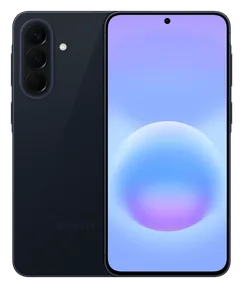 Samsung Galaxy A57Get a quote now
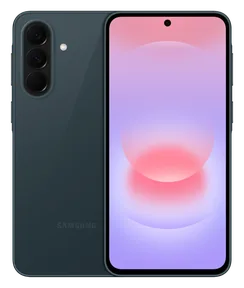 Samsung Galaxy A37Get a quote now
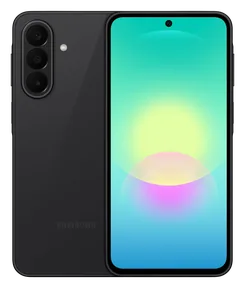 Samsung Galaxy A27Get a quote now
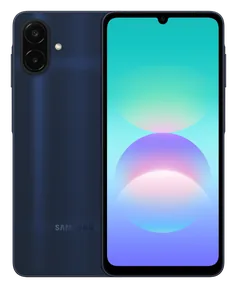 Samsung Galaxy A08Get a quote now
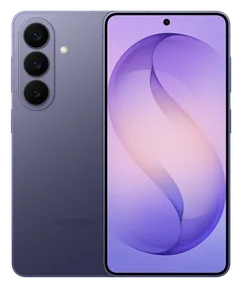 Samsung Galaxy S26Get a quote now
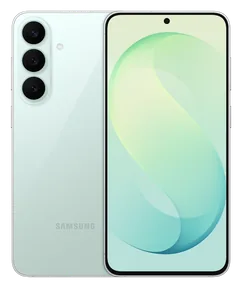 Samsung Galaxy S26 FEGet a quote now
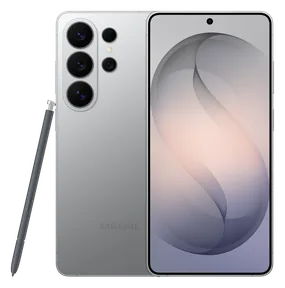 Samsung Galaxy S26 UltraGet a quote now
 Samsung Galaxy Z Flip 8Get a quote now
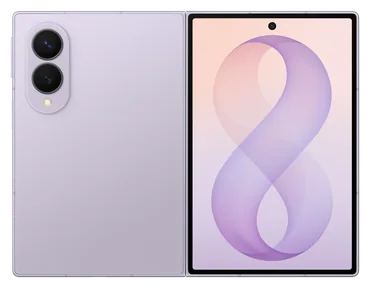 Samsung Galaxy Z Fold 8Get a quote now
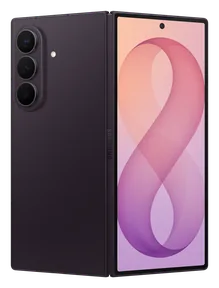 Samsung Galaxy Z Fold 8 UltraGet a quote now
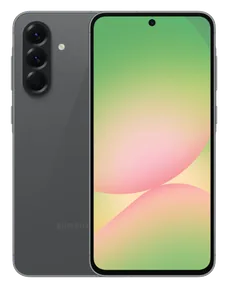 Samsung Galaxy A56Get a quote now
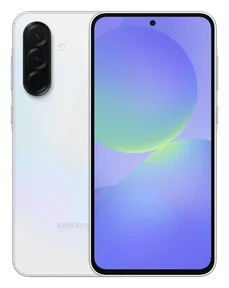 Samsung Galaxy A36Get a quote now
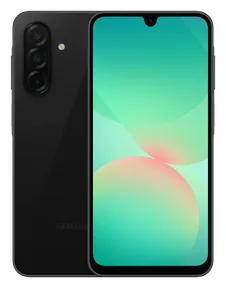 Samsung Galaxy A26Get a quote now
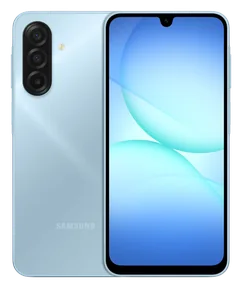 Samsung Galaxy A17Get a quote now
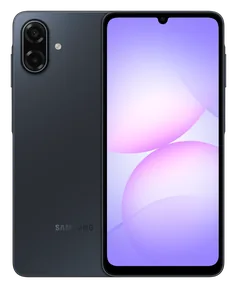 Samsung Galaxy A07Get a quote now
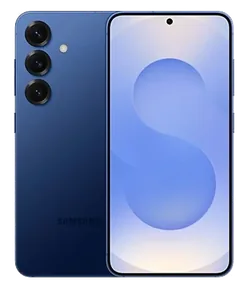 Samsung Galaxy S25Get a quote now
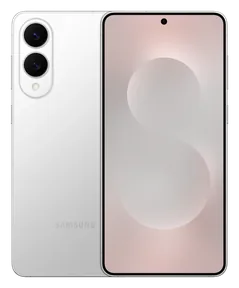 Samsung Galaxy S25 EdgeGet a quote now
 Samsung Galaxy S25 FEGet a quote now
 Samsung Galaxy S25 UltraGet a quote now
 Samsung Galaxy Z Flip 7Get a quote now
 Samsung Galaxy Z Flip 7 FEGet a quote now
 Samsung Galaxy Z Fold 7Get a quote now
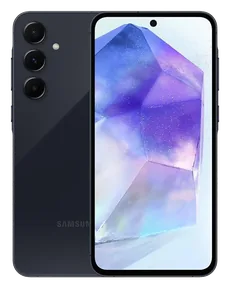 Samsung Galaxy A55Get a quote now
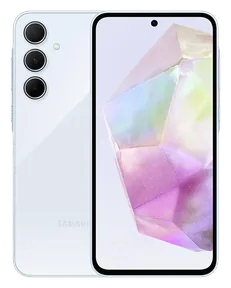 Samsung Galaxy A35Get a quote now
 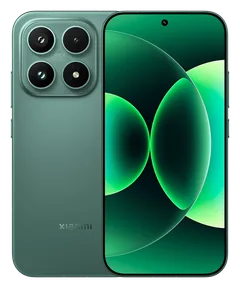 Xiaomi 17Get a quote now
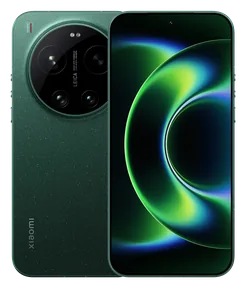 Xiaomi 17 UltraGet a quote now
 Xiaomi 17TGet a quote now
 Xiaomi 17T ProGet a quote now
 Xiaomi Redmi Note 15Get a quote now
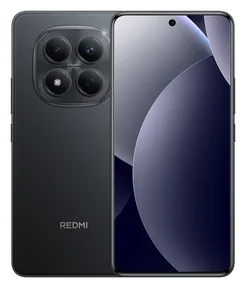 Xiaomi Redmi Note 15 ProGet a quote now
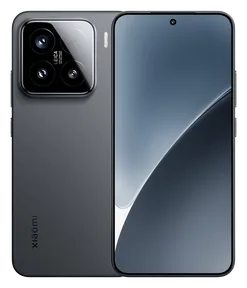 Xiaomi 15Get a quote now
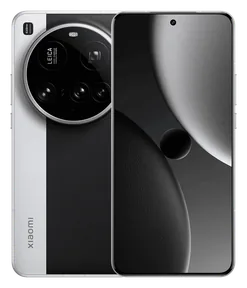 Xiaomi 15 UltraGet a quote now
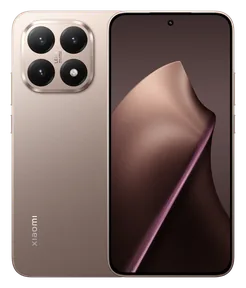 Xiaomi 15TGet a quote now
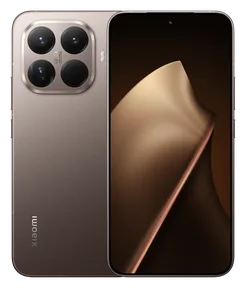 Xiaomi 15T ProGet a quote now
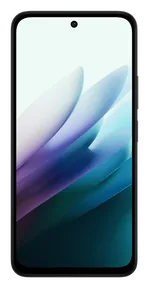 Xiaomi Redmi 15Get a quote now
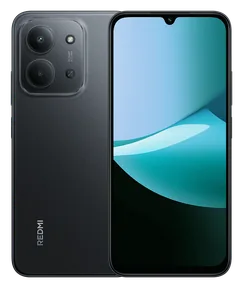 Xiaomi Redmi 15CGet a quote now
 Xiaomi Redmi A5Get a quote now
 Xiaomi Redmi Note 14Get a quote now
 Xiaomi Redmi Note 14 ProGet a quote now
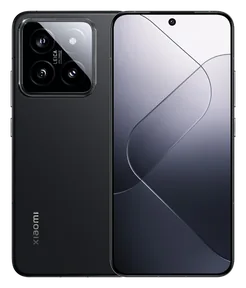 Xiaomi 14Get a quote now
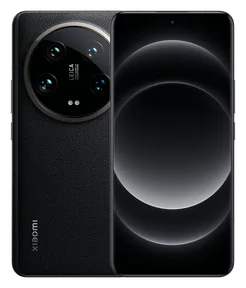 Xiaomi 14 UltraGet a quote now
 Xiaomi 14TGet a quote now
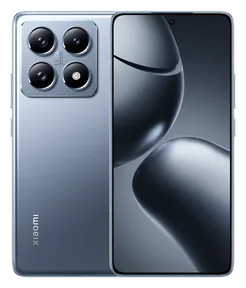 Xiaomi 14T ProGet a quote now
 Xiaomi Redmi 14CGet a quote now
 Xiaomi Redmi 13Get a quote now
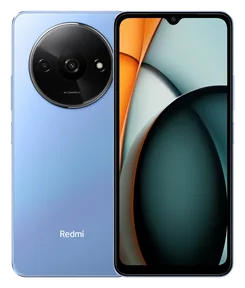 Xiaomi Redmi A3Get a quote now
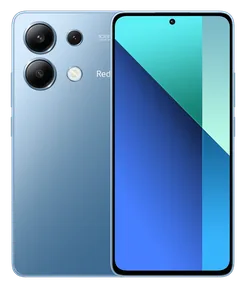 Xiaomi Redmi Note 13Get a quote now
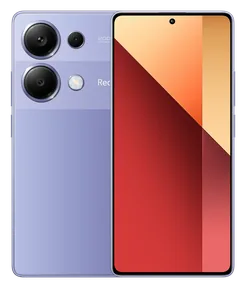 Xiaomi Redmi Note 13 ProGet a quote now
  Huawei nova 14 ProGet a quote now
 Huawei Pura 80 ProGet a quote now
 Huawei Pura 80 UltraGet a quote now
 Huawei Mate X6Get a quote now
 Huawei nova 12sGet a quote now
 Huawei Pura 70Get a quote now
 Huawei Pura 70 ProGet a quote now
 Huawei Pura 70 UltraGet a quote now
 Huawei nova 11 ProGet a quote now
 Huawei P60 ProGet a quote now
 Huawei Mate 50 ProGet a quote now
 Huawei nova 10 ProGet a quote now
 Huawei P50 ProGet a quote now
 Huawei nova 9Get a quote now
 Huawei P40Get a quote now
 Huawei P40 LiteGet a quote now
 Huawei P40 ProGet a quote now
 Huawei P smart 2021Get a quote now
 Huawei P smart ProGet a quote now
 Huawei P30Get a quote now
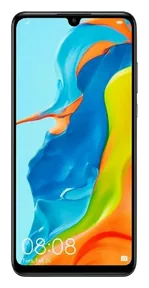 Huawei P30 LiteGet a quote now
 Huawei P30 ProGet a quote now
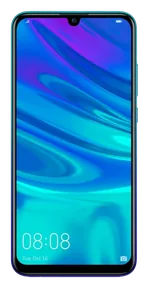 Huawei P smart 2019Get a quote now
 Huawei Y7 2019Get a quote now
  OPPO Reno15Get a quote now
 OPPO Reno15 FGet a quote now
 OPPO Reno15 ProGet a quote now
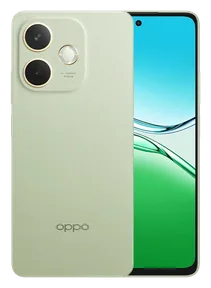 OPPO A5 ProGet a quote now
 OPPO Find X9 ProGet a quote now
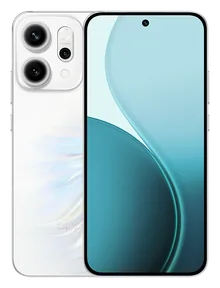 OPPO Reno14Get a quote now
 OPPO Reno14 FGet a quote now
 OPPO Reno14 ProGet a quote now
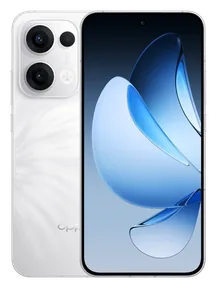 OPPO Reno13Get a quote now
 OPPO Reno13 FGet a quote now
 OPPO Reno13 ProGet a quote now
 OPPO A60Get a quote now
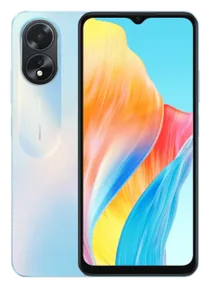 OPPO A18Get a quote now
 OPPO A3Get a quote now
 OPPO Reno12Get a quote now
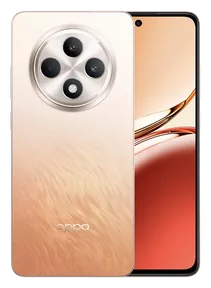 OPPO Reno12 FGet a quote now
 OPPO Reno12 ProGet a quote now
 OPPO Reno11Get a quote now
 OPPO Reno11 FGet a quote now
 OPPO A79Get a quote now
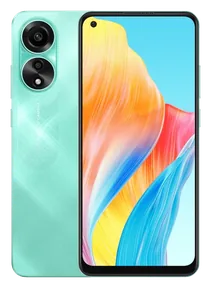 OPPO A78Get a quote now
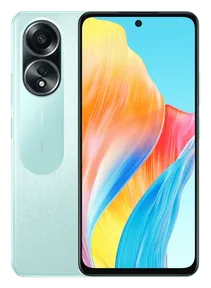 OPPO A58Get a quote now
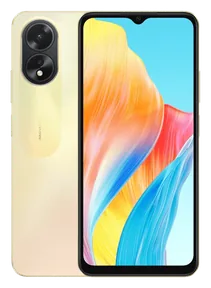 OPPO A38Get a quote now
 OPPO Reno10Get a quote now
  Realme 15Get a quote now
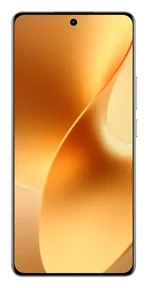 Realme 15 ProGet a quote now
 Realme 14 ProGet a quote now
 Realme 13 ProGet a quote now
 Realme 12 ProGet a quote now
 Realme C75Get a quote now
 Realme C67Get a quote now
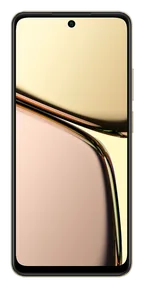 Realme C65Get a quote now
 Realme C63Get a quote now
 Realme C61Get a quote now
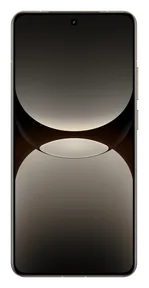 Realme GT 7 ProGet a quote now
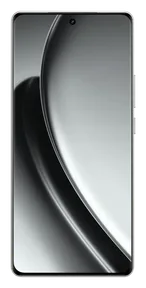 Realme GT 6Get a quote now
 Realme Note 60Get a quote now
 Realme Note 50Get a quote now
 Realme 11Get a quote now
 Realme 11 ProGet a quote now
 Realme C55Get a quote now
 Realme C53Get a quote now
 Realme C35Get a quote now
 Realme 8Get a quote now
 Realme C21Get a quote now
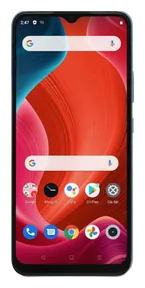 Realme C21YGet a quote now
 Realme 6Get a quote now
 Realme 6 ProGet a quote now
 Message us the model and the fault on WhatsApp. Diagnosis is free, with free two-way shipping across Turkey.
Button faults often start slowly: first the button feels stiff, then it stops responding. If one of these sounds familiar, have it checked.
You cannot lock the screen or switch the phone on and off with the button.
No click when pressed; the button has sunk into its slot or moved out of place.
The phone restarts out of nowhere, the screen turns off or screenshots are taken.
Volume will not go up or down, on headphones or during calls.
On iPhone the Ring/Silent switch or the Action button does nothing.
If the screen comes on when charging but the button will not start it, the button may be the cause.
The button feel, the flex cable underneath and the software side are checked separately.
The part needed for the button, the flex cable or both is sent with the price; the work goes ahead with your approval.
Depending on the model, the button mechanism or the power / volume flex cable is replaced; some models need the screen or back cover opened for this. The replaced part goes on the invoice.
Locking, powering on, volume up and down and the screenshot shortcut are tested; then the device is returned to you.
Data is usually preserved during a button repair; even so, you need to back up before bringing the device in, as backups are the customer’s responsibility.
In a button fault, the part replaced is not always the button you see. The part option that suits your model (original or OEM) is explained at diagnosis.
On most models the power button sits on a thin flex cable; pressing it closes a contact on the cable. If the button does not press, this contact may be worn.
The volume buttons and the iPhone mute switch may sit on a separate flex. On some models the power and volume buttons share the same cable.
Until the repair: AssistiveTouch on iPhone and the accessibility menu on Android add lock and volume controls to the screen. Menu names can differ slightly by model.
I think you will be pleased with their approach, their helpfulness and their care.
This is the place I have shopped at with endless trust and sincerity for 20 years, since the Cep Market days. I am so glad you are here; Teknoway is the only place for me.
A very good business with friendly staff, and they answered every question I had in full. Thank you, Teknoway.
A company I have known for a long time that helps in every way it can. I definitely recommend dropping by and at least listening to their ideas and advice.
We had a screen protector fitted, and they gave us gifts I think were worth more than the screen protector. Most of all, thank you for the friendly welcome.
Can looked after me very well and fixed the phone flawlessly. Thank you. When the repair was done, I realised I had left my phone with real experts.
Decent, genuine people with amazing care and attention. God bless them, wonderful people.
You looked after me very well, thank you. I am pleased.
From our customers’ reviews. All reviews
If the button is physically broken, an update will not fix it; you can only move the button’s job to an on-screen shortcut. The lasting fix is replacing the button or its flex cable.
Yes. A tight or stiff case can hold the button down. If the phone restarts by itself or the screen turns off, try without the case first.
Not unless needed; each button is tested on its own. On some models both buttons share one flex, so they are replaced together. We tell you before approval.
Yes. You do not need to switch it off; add a note in the box saying the button is faulty. Our partner courier is free both ways from anywhere in Turkey.
To turn on an iPhone with a broken power button, just plug it in; an iPhone that is off turns on when it gets power. To lock the screen and restart while it is on, use the AssistiveTouch menu, and to shut it down, use Settings › General › Shut Down. The button is usually repaired by replacing the flex cable it sits on.
If the iPhone volume up or down button does not press, first remove the case and clean around the button. If the button is stuck in or does not respond at all, the flex cable the buttons sit on is usually faulty. Until the repair, you can set the volume with the slider in Control Centre.
If your iPhone side button presses itself, the screen locks for no reason and Siri or Emergency SOS may open. Remove the case and clean around the button first. To avoid accidental emergency calls, turn off the button call options in Settings › Emergency SOS. If it continues, the button or its flex cable is replaced.
Tell us which button fails and your model; we send you the price.
Our site uses essential cookies to work. With your permission, cookies are also used for the store map (Google Maps), visit statistics (Google Analytics) and ad measurement (Google Ads, OpenAI). Cookie Policy · Privacy Notice
Turn on the cookies you want to allow. Cookie Policy · Privacy Notice