
 iPhone
 iPad
iPad MacBook
 iMac and Mac
 Apple Watch
 Samsung
 Xiaomi
 Huawei
 OPPO
OPPO PlayStation
Black screen
The camera app opens but the picture stays black or the app closes.
We replace rear cameras that show black, will not focus, shake or take blurry photos, as well as broken camera lens glass. The free diagnosis separates a lens problem from a module problem; front camera faults are looked at too.
Drag to rotate
Choose the brand and find your model. The card takes you to the camera group on the model page, where the rear camera, front camera and lens glass have separate rows.
 iPhone 18 Pro MaxGet a quote now
 iPhone 18 ProGet a quote now
 iPhone 17eGet a quote now
 iPhone 17 Pro MaxGet a quote now
 iPhone 17 ProGet a quote now
 iPhone AirGet a quote now
 iPhone 17Get a quote now
 iPhone 16eGet a quote now
 iPhone 16 Pro MaxGet a quote now
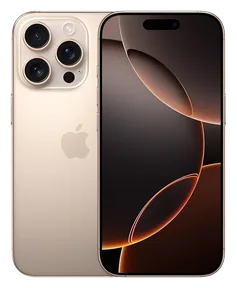 iPhone 16 ProGet a quote now
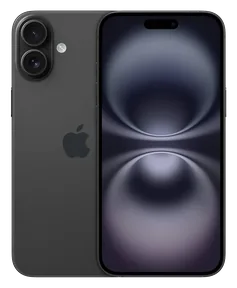 iPhone 16 PlusGet a quote now
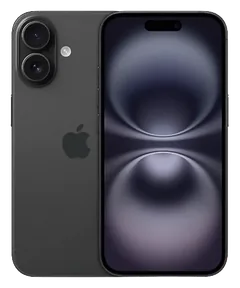 iPhone 16Get a quote now
 iPhone 15 Pro MaxGet a quote now
 iPhone 15 ProGet a quote now
 iPhone 15 PlusGet a quote now
 iPhone 15Get a quote now
 iPhone 14 Pro MaxGet a quote now
 iPhone 14 ProGet a quote now
 iPhone 14 PlusGet a quote now
 iPhone 14Get a quote now
 iPhone 13 Pro MaxGet a quote now
 iPhone 13 ProGet a quote now
 iPhone 13Get a quote now
 iPhone 13 miniGet a quote now
 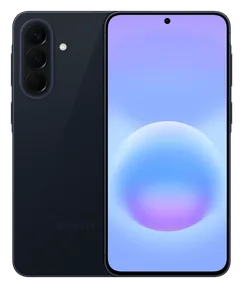 Samsung Galaxy A57Get a quote now
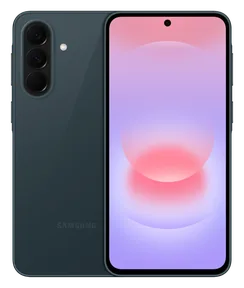 Samsung Galaxy A37Get a quote now
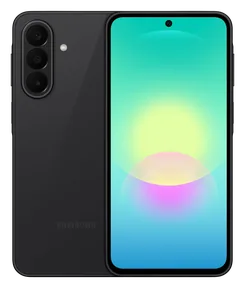 Samsung Galaxy A27Get a quote now
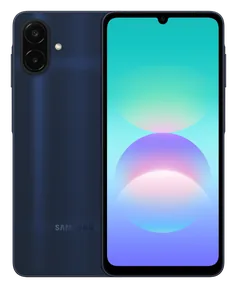 Samsung Galaxy A08Get a quote now
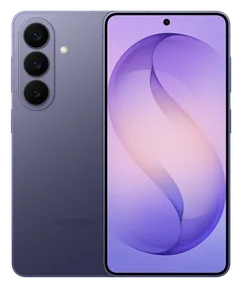 Samsung Galaxy S26Get a quote now
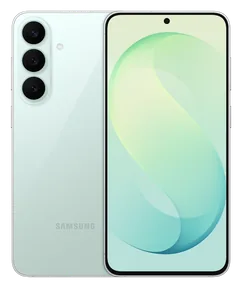 Samsung Galaxy S26 FEGet a quote now
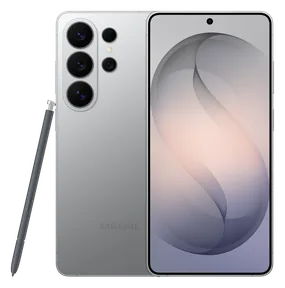 Samsung Galaxy S26 UltraGet a quote now
 Samsung Galaxy Z Flip 8Get a quote now
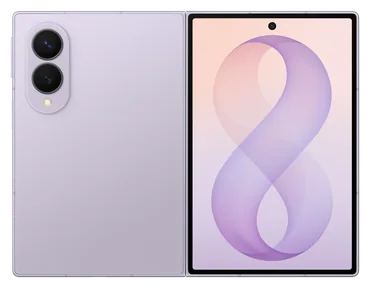 Samsung Galaxy Z Fold 8Get a quote now
 Samsung Galaxy Z Fold 8 UltraGet a quote now
 Samsung Galaxy A56Get a quote now
 Samsung Galaxy A36Get a quote now
 Samsung Galaxy A26Get a quote now
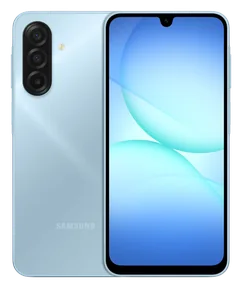 Samsung Galaxy A17Get a quote now
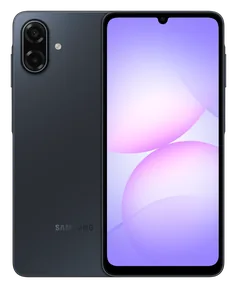 Samsung Galaxy A07Get a quote now
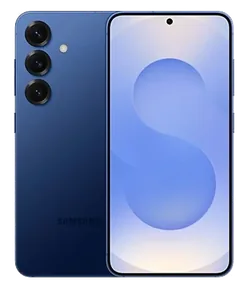 Samsung Galaxy S25Get a quote now
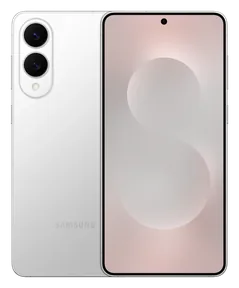 Samsung Galaxy S25 EdgeGet a quote now
 Samsung Galaxy S25 FEGet a quote now
 Samsung Galaxy S25 UltraGet a quote now
 Samsung Galaxy Z Flip 7Get a quote now
 Samsung Galaxy Z Flip 7 FEGet a quote now
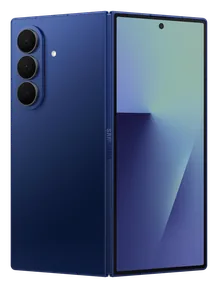 Samsung Galaxy Z Fold 7Get a quote now
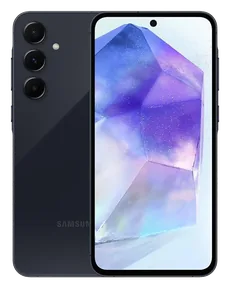 Samsung Galaxy A55Get a quote now
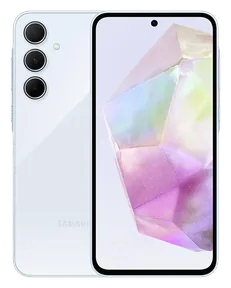 Samsung Galaxy A35Get a quote now
 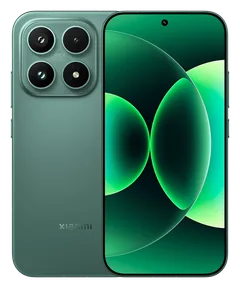 Xiaomi 17Get a quote now
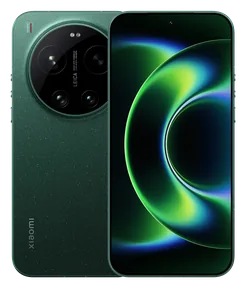 Xiaomi 17 UltraGet a quote now
 Xiaomi 17TGet a quote now
 Xiaomi 17T ProGet a quote now
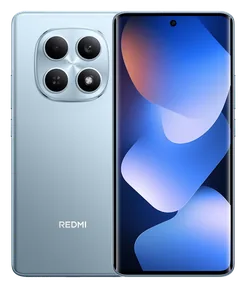 Xiaomi Redmi Note 15Get a quote now
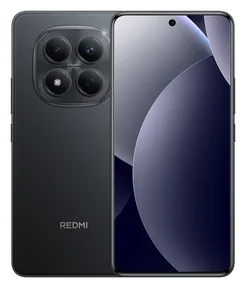 Xiaomi Redmi Note 15 ProGet a quote now
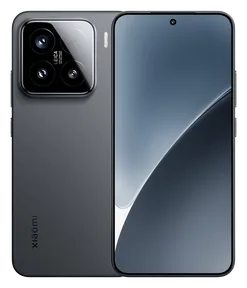 Xiaomi 15Get a quote now
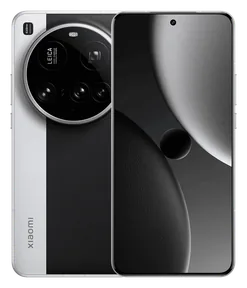 Xiaomi 15 UltraGet a quote now
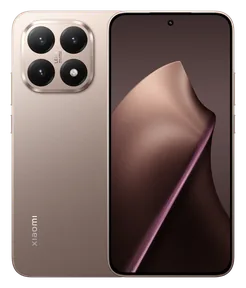 Xiaomi 15TGet a quote now
 Xiaomi 15T ProGet a quote now
 Xiaomi Redmi 15Get a quote now
 Xiaomi Redmi 15CGet a quote now
 Xiaomi Redmi A5Get a quote now
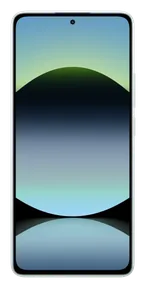 Xiaomi Redmi Note 14Get a quote now
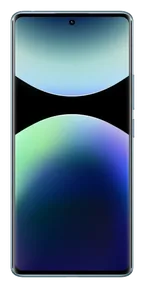 Xiaomi Redmi Note 14 ProGet a quote now
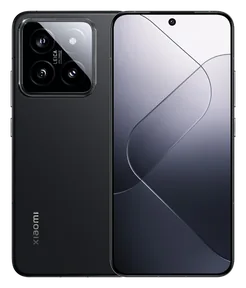 Xiaomi 14Get a quote now
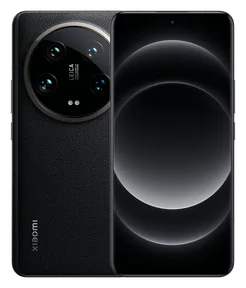 Xiaomi 14 UltraGet a quote now
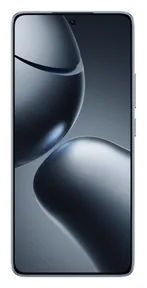 Xiaomi 14TGet a quote now
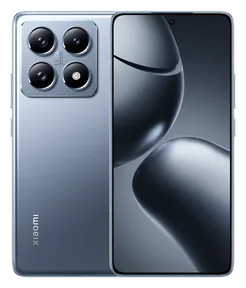 Xiaomi 14T ProGet a quote now
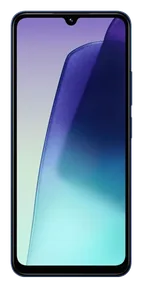 Xiaomi Redmi 14CGet a quote now
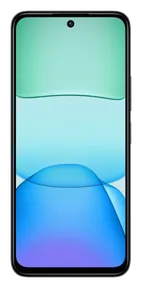 Xiaomi Redmi 13Get a quote now
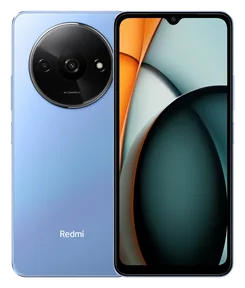 Xiaomi Redmi A3Get a quote now
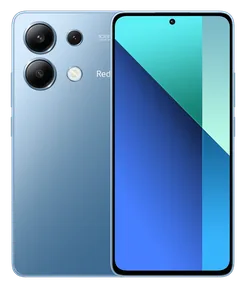 Xiaomi Redmi Note 13Get a quote now
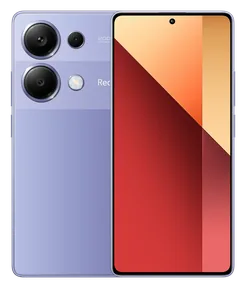 Xiaomi Redmi Note 13 ProGet a quote now
  Huawei nova 14 ProGet a quote now
 Huawei Pura 80 ProGet a quote now
 Huawei Pura 80 UltraGet a quote now
 Huawei Mate X6Get a quote now
 Huawei nova 12sGet a quote now
 Huawei Pura 70Get a quote now
 Huawei Pura 70 ProGet a quote now
 Huawei Pura 70 UltraGet a quote now
 Huawei nova 11 ProGet a quote now
 Huawei P60 ProGet a quote now
 Huawei Mate 50 ProGet a quote now
 Huawei nova 10 ProGet a quote now
 Huawei P50 ProGet a quote now
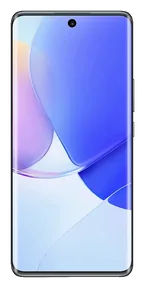 Huawei nova 9Get a quote now
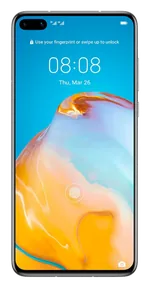 Huawei P40Get a quote now
 Huawei P40 LiteGet a quote now
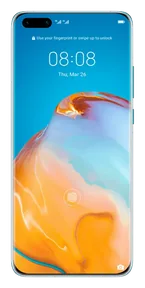 Huawei P40 ProGet a quote now
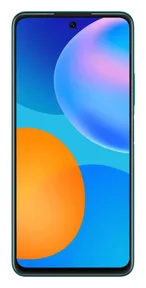 Huawei P smart 2021Get a quote now
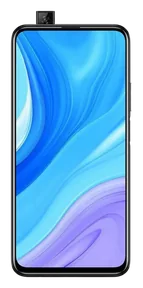 Huawei P smart ProGet a quote now
 Huawei P30Get a quote now
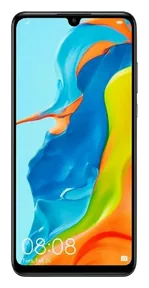 Huawei P30 LiteGet a quote now
 Huawei P30 ProGet a quote now
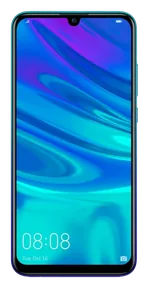 Huawei P smart 2019Get a quote now
 Huawei Y7 2019Get a quote now
  OPPO Reno15Get a quote now
 OPPO Reno15 FGet a quote now
 OPPO Reno15 ProGet a quote now
 OPPO A5 ProGet a quote now
 OPPO Find X9 ProGet a quote now
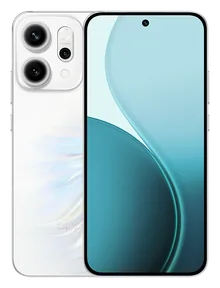 OPPO Reno14Get a quote now
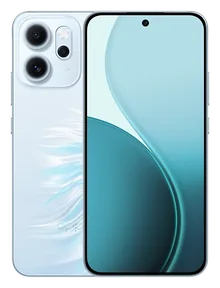 OPPO Reno14 FGet a quote now
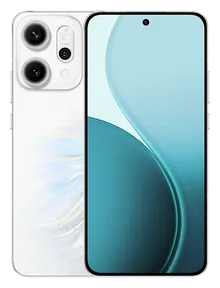 OPPO Reno14 ProGet a quote now
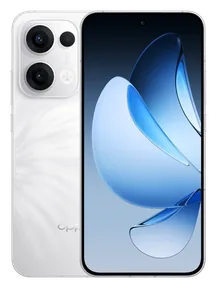 OPPO Reno13Get a quote now
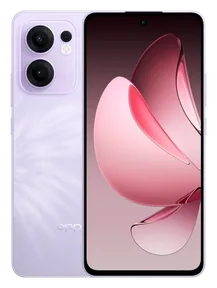 OPPO Reno13 FGet a quote now
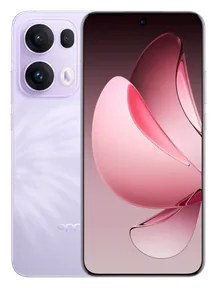 OPPO Reno13 ProGet a quote now
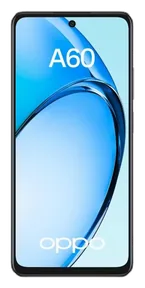 OPPO A60Get a quote now
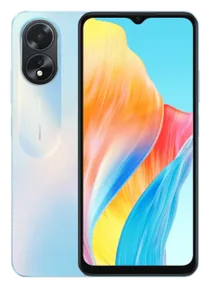 OPPO A18Get a quote now
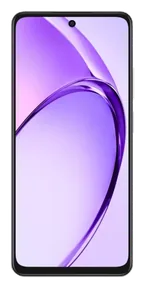 OPPO A3Get a quote now
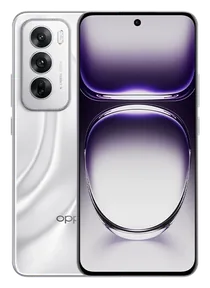 OPPO Reno12Get a quote now
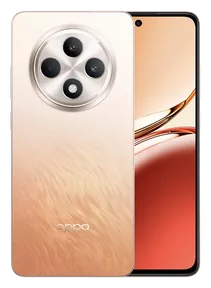 OPPO Reno12 FGet a quote now
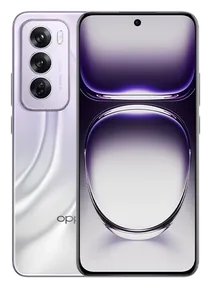 OPPO Reno12 ProGet a quote now
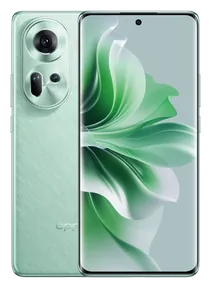 OPPO Reno11Get a quote now
 OPPO Reno11 FGet a quote now
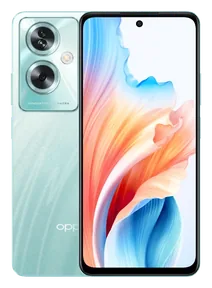 OPPO A79Get a quote now
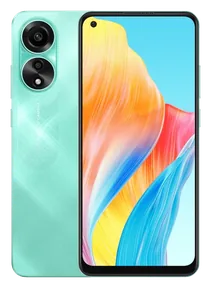 OPPO A78Get a quote now
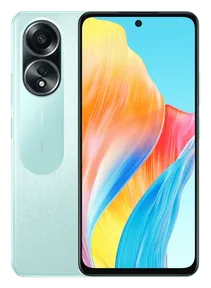 OPPO A58Get a quote now
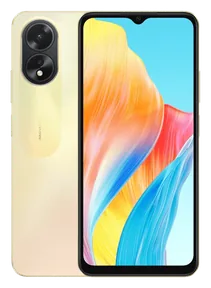 OPPO A38Get a quote now
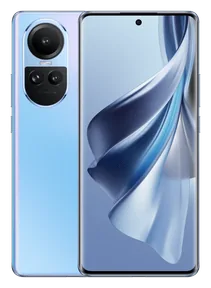 OPPO Reno10Get a quote now
  Realme 15Get a quote now
 Realme 15 ProGet a quote now
 Realme 14 ProGet a quote now
 Realme 13 ProGet a quote now
 Realme 12 ProGet a quote now
 Realme C75Get a quote now
 Realme C67Get a quote now
 Realme C65Get a quote now
 Realme C63Get a quote now
 Realme C61Get a quote now
 Realme GT 7 ProGet a quote now
 Realme GT 6Get a quote now
 Realme Note 60Get a quote now
 Realme Note 50Get a quote now
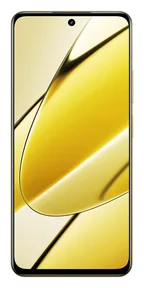 Realme 11Get a quote now
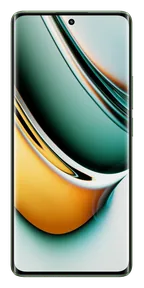 Realme 11 ProGet a quote now
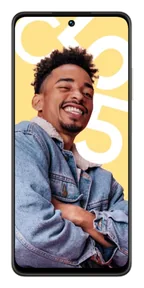 Realme C55Get a quote now
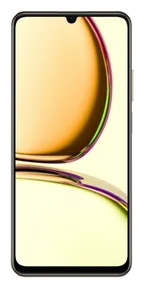 Realme C53Get a quote now
 Realme C35Get a quote now
 Realme 8Get a quote now
 Realme C21Get a quote now
 Realme C21YGet a quote now
 Realme 6Get a quote now
 Realme 6 ProGet a quote now
 Message us the model and the fault on WhatsApp. Diagnosis is free, with free two-way shipping across Turkey.
Some camera problems concern only the glass, others the module itself. The symptom you see largely tells which one it is.
The camera app opens but the picture stays black or the app closes.
Nearby objects never come out sharp; the camera keeps hunting for focus.
The picture shakes and a clicking sound comes from the phone while the camera is on.
The glass in front of the lens is cracked; photos look hazy and lights flare.
A dot or shadow sits in the same place on every photo; dust may have got under the glass.
Switching to the wide or zoom lens freezes the picture or does nothing.
Each lens is opened in turn and focus and stabilisation are tested, so we know whether the blur comes from the glass or the module.
Only the glass, the camera module or both: the options and the price are sent and we wait for your approval.
Broken lens glass is cleaned out and replaced, or the faulty camera module is swapped; the replaced part is invoiced.
Photo and video, focus, flash and lens switching are tested before the device is handed back.
Data is usually preserved during a camera repair too; you need to back up your photos and other data before the repair. Backups are the customer’s responsibility.
The rear camera has two separate parts: the protective glass in front and the module that captures the image. A test shot shows which one needs replacing.
The protective glass in front of the lens. When it breaks, the camera still works but photos look hazy; in many cases only this glass is replaced.
The part that captures the image. Black screens, focus or shaking problems mean the module is replaced; original and OEM options are explained per model.
Note for iPhone: on some iPhone 12 and later models, a replaced camera may show a parts notice in Settings; the camera keeps working.
An iPhone XS Max rear camera being replaced in the Teknoway workshop (in Turkish). The video comes from YouTube when you play it.
Our YouTube channelI think you will be pleased with their approach, their helpfulness and their care.
This is the place I have shopped at with endless trust and sincerity for 20 years, since the Cep Market days. I am so glad you are here; Teknoway is the only place for me.
A very good business with friendly staff, and they answered every question I had in full. Thank you, Teknoway.
A company I have known for a long time that helps in every way it can. I definitely recommend dropping by and at least listening to their ideas and advice.
We had a screen protector fitted, and they gave us gifts I think were worth more than the screen protector. Most of all, thank you for the friendly welcome.
Can looked after me very well and fixed the phone flawlessly. Thank you. When the repair was done, I realised I had left my phone with real experts.
Decent, genuine people with amazing care and attention. God bless them, wonderful people.
You looked after me very well, thank you. I am pleased.
From our customers’ reviews. All reviews
If the camera still shoots properly, replacing just the glass may be enough. If the broken glass scratched the lens or the impact reached the module, the camera is replaced as well; we show you with a test shot.
Yes. Front camera problems such as a black picture, blur or not opening on video calls are diagnosed, and the front camera is replaced depending on the model.
Shaking and clicking usually mean the image stabilisation (OIS) part is damaged; a drop or strong vibration, such as a motorcycle handlebar, can cause it. A camera module replacement can fix it.
The type of part fitted (original or OEM) can affect image quality. We explain the difference before approval and take test shots before return.
If the rear camera glass on your iPhone is cracked, photos show spots, flare or blur and dust and moisture get in through the crack. If the camera still focuses and gives a picture, usually only the camera glass is replaced. If the picture is blurry, dark or spotty, the camera module should also be checked.
If the camera takes blurry photos, first clean the lens and remove the case; fingerprints and the case edge are common causes. For blurry close shots, check the macro setting. If the lens glass is cracked, or focus fails after a drop or strong vibration (e.g. a motorcycle mount), the glass or module needs replacing.
If your iPhone’s rear camera shows a black screen, close the Camera app, restart the phone and switch to the front camera and back. If it continues, or only one lens is black, the camera module, the lens or its connection should be checked.
Send your model and the problem you see; the options and price come by message.
Our site uses essential cookies to work. With your permission, cookies are also used for the store map (Google Maps), visit statistics (Google Analytics) and ad measurement (Google Ads, OpenAI). Cookie Policy · Privacy Notice
Turn on the cookies you want to allow. Cookie Policy · Privacy Notice